Uploading and downloading documents
Invoices, Contracts and logistic documents
All your documents are accessible anytime in the Metaloop Portal. You can also be notified any time a new document is uploaded to an order and this can be controlled in the notification settings. (See Setting up Notifications for more details)
Accessing Documents
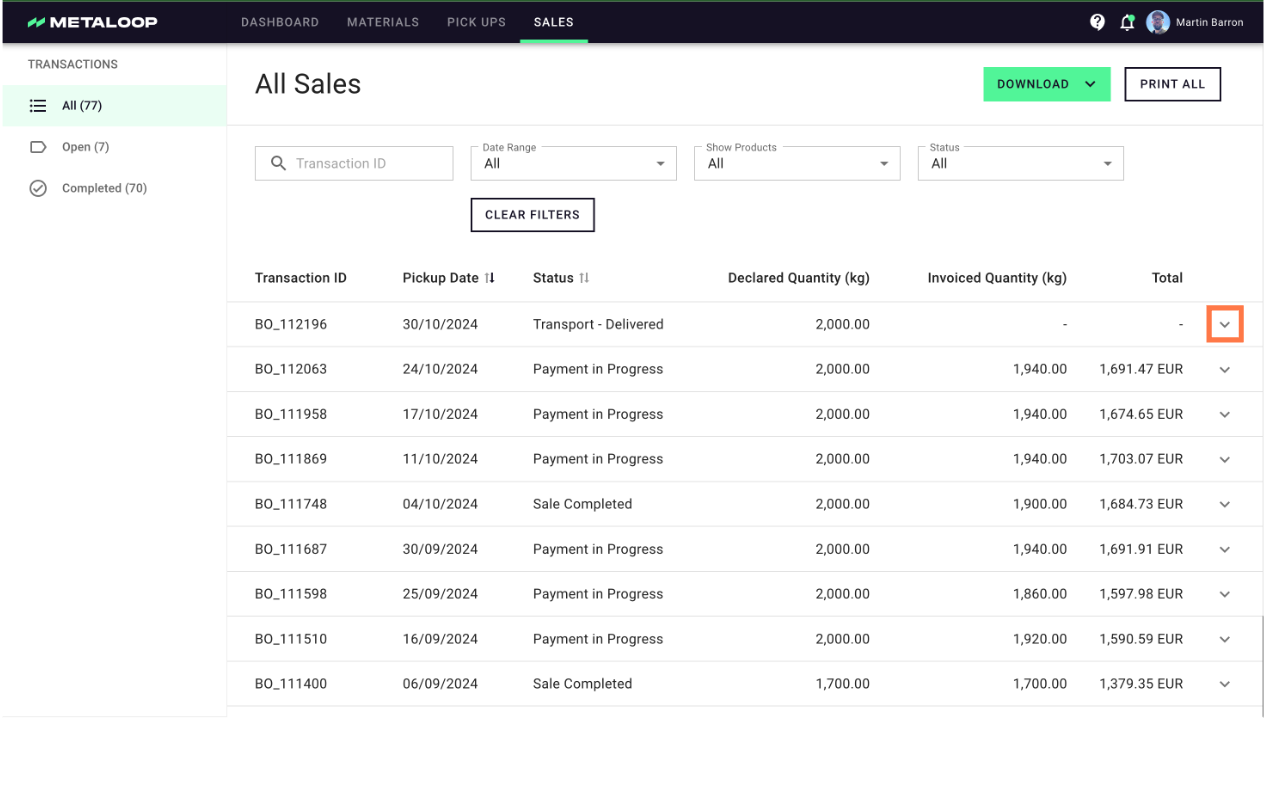
- You can access the individual transactions (or pickups) on either the pickup or sales page. The items have their own distinct 'BO_XXX' number and you are able to upload the items in either place.
- In order to access them. Click on the '˅' on the right side of the relevant card
Downloading Documents
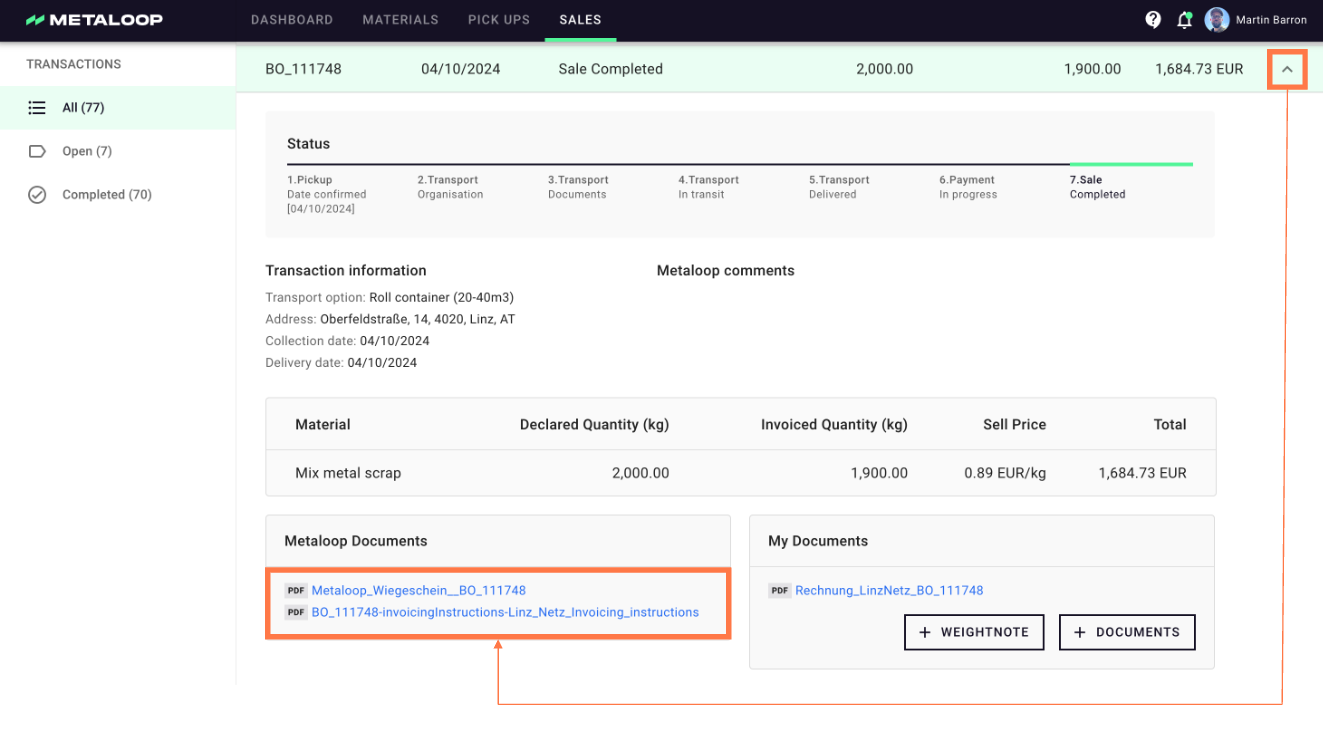
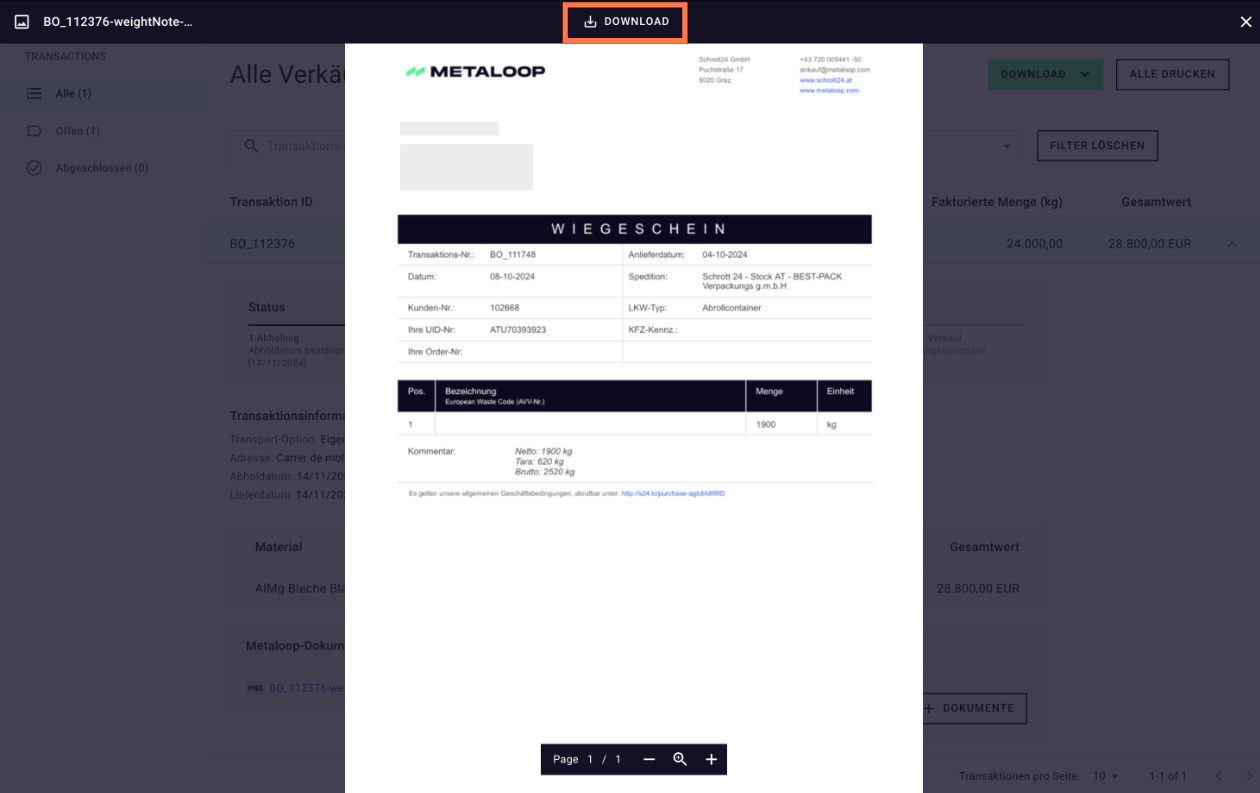
- Click on the relevant document name in order to view the documents
- Click on the download button in the top of the screen to Download the item
Uploading Documents
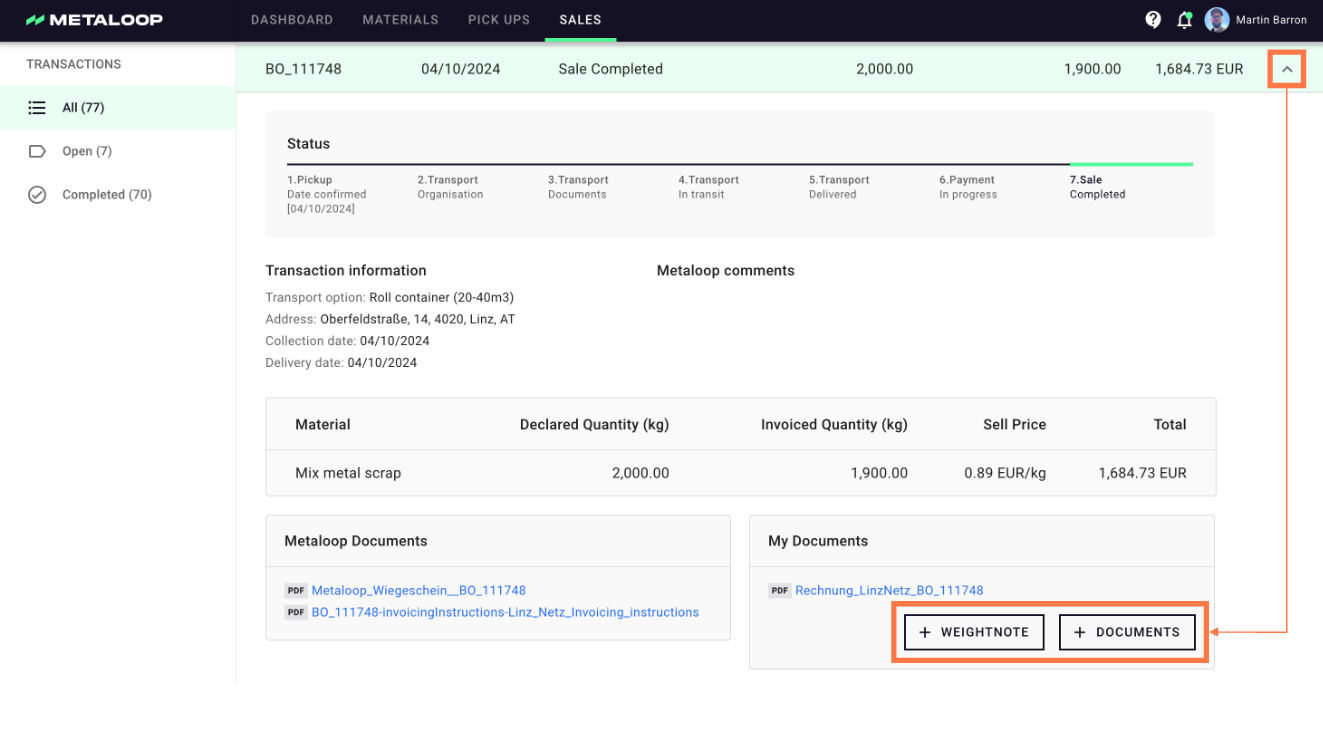
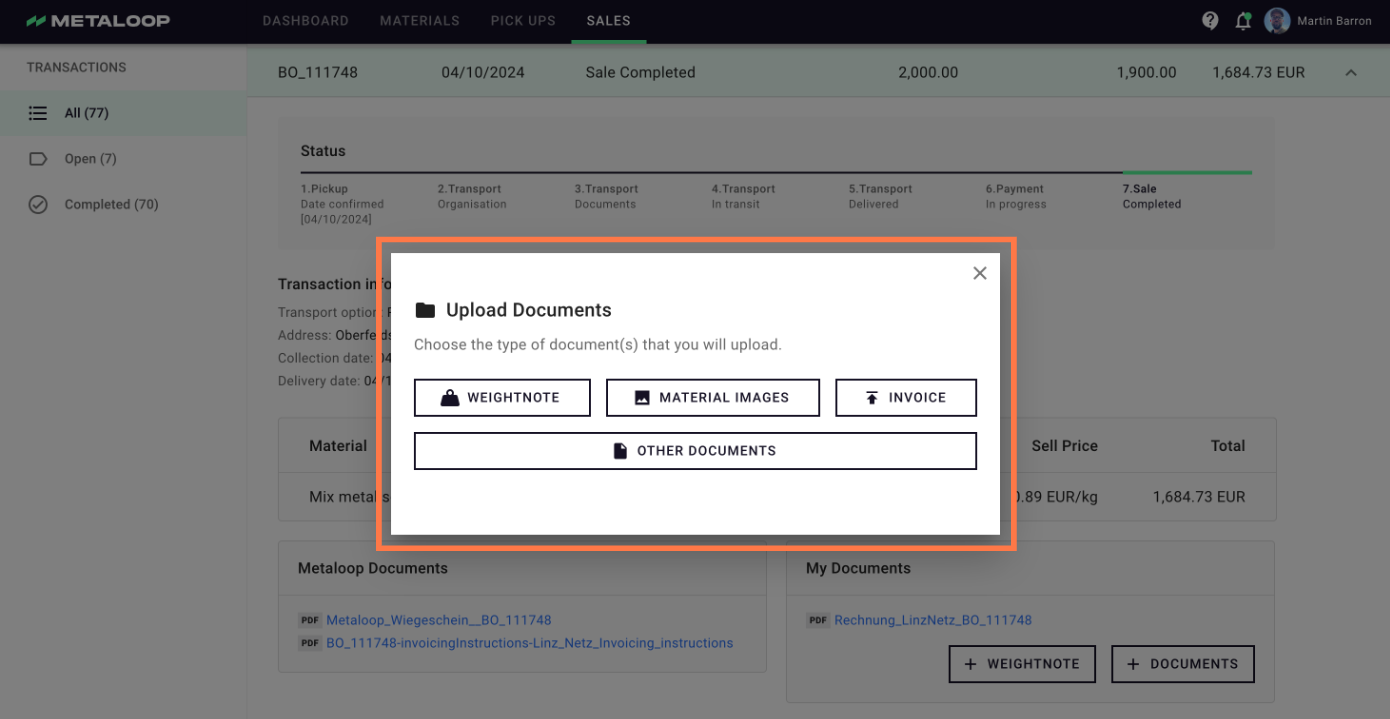
- Click on the '+ Documents' button to select the type of document and then upload it.
- The relevant people at Metaloop will be automatically notified.